
Fasting
Counts from your start and shows a reference time. Adjust the timing or finish earlier whenever you choose.
Intermittent fasting app · iOS and Android
A timer with editable start and end times, a journal to review your fasts and short reads with sources. You decide when to start and when to finish.
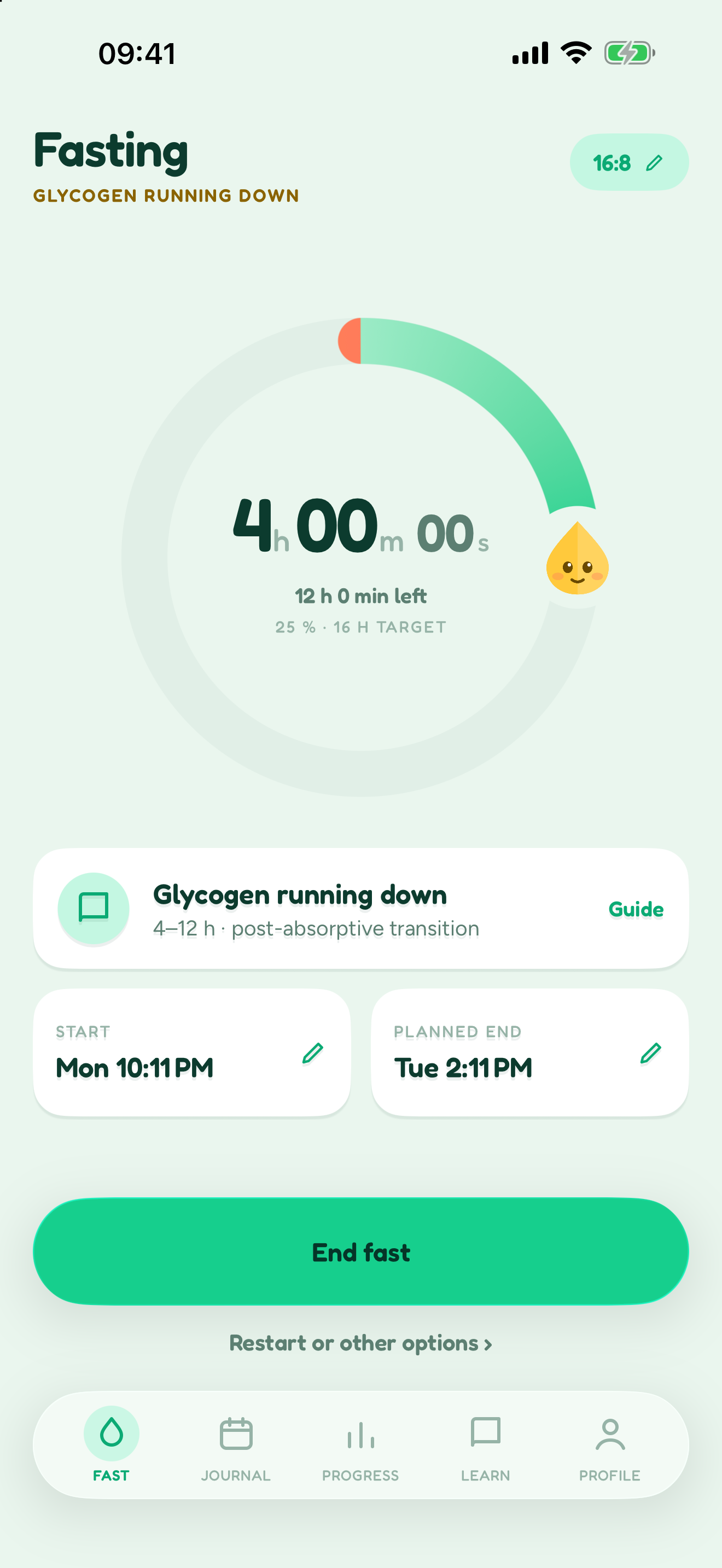
From your last meal to your next entry, in three simple steps.
Pick a rhythm and record your start. Forgot to open the app? You can correct the time later.
Check elapsed time and read short explanations. Stages are time-based guidance, not measurements of your body.
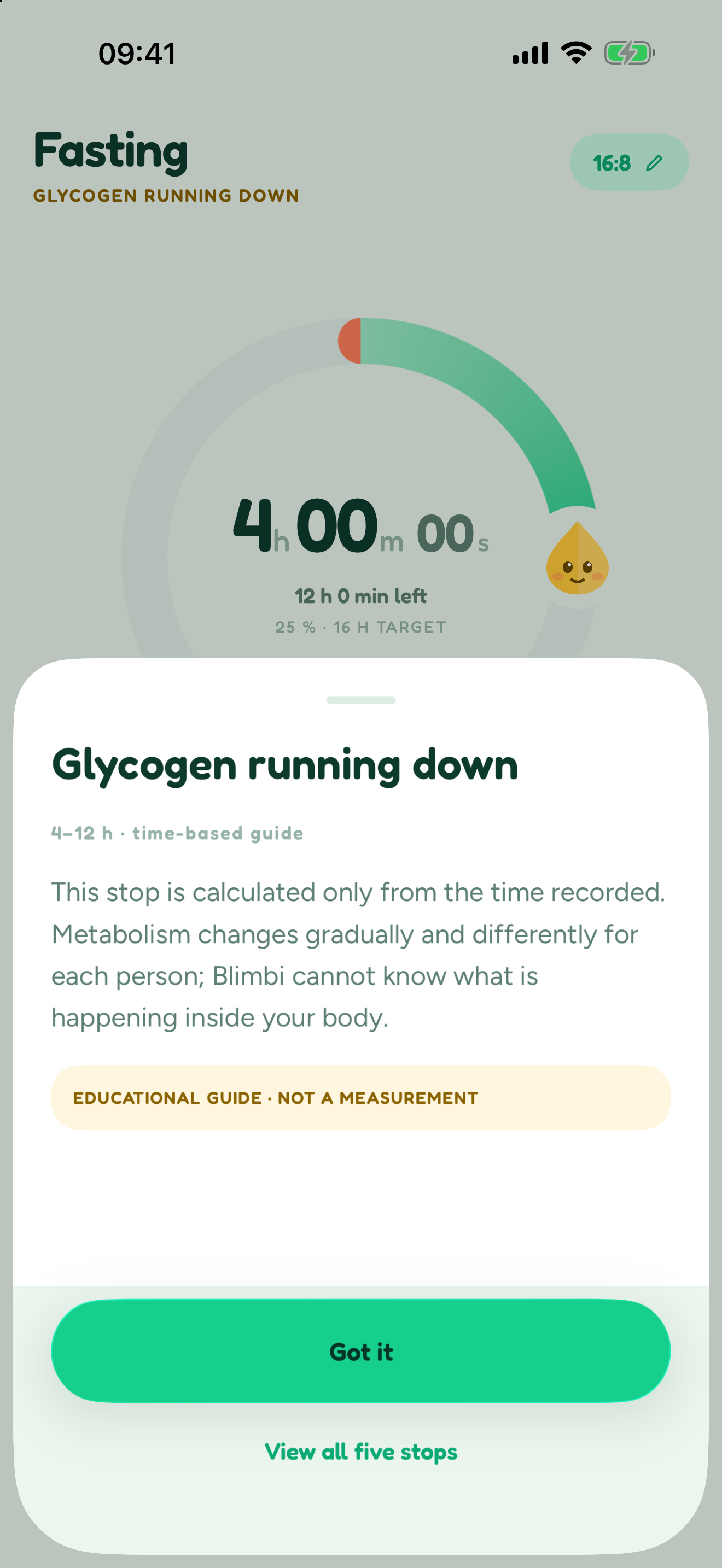
End the fast yourself to switch to Eating. Review the entry in your journal; nothing starts on its own.
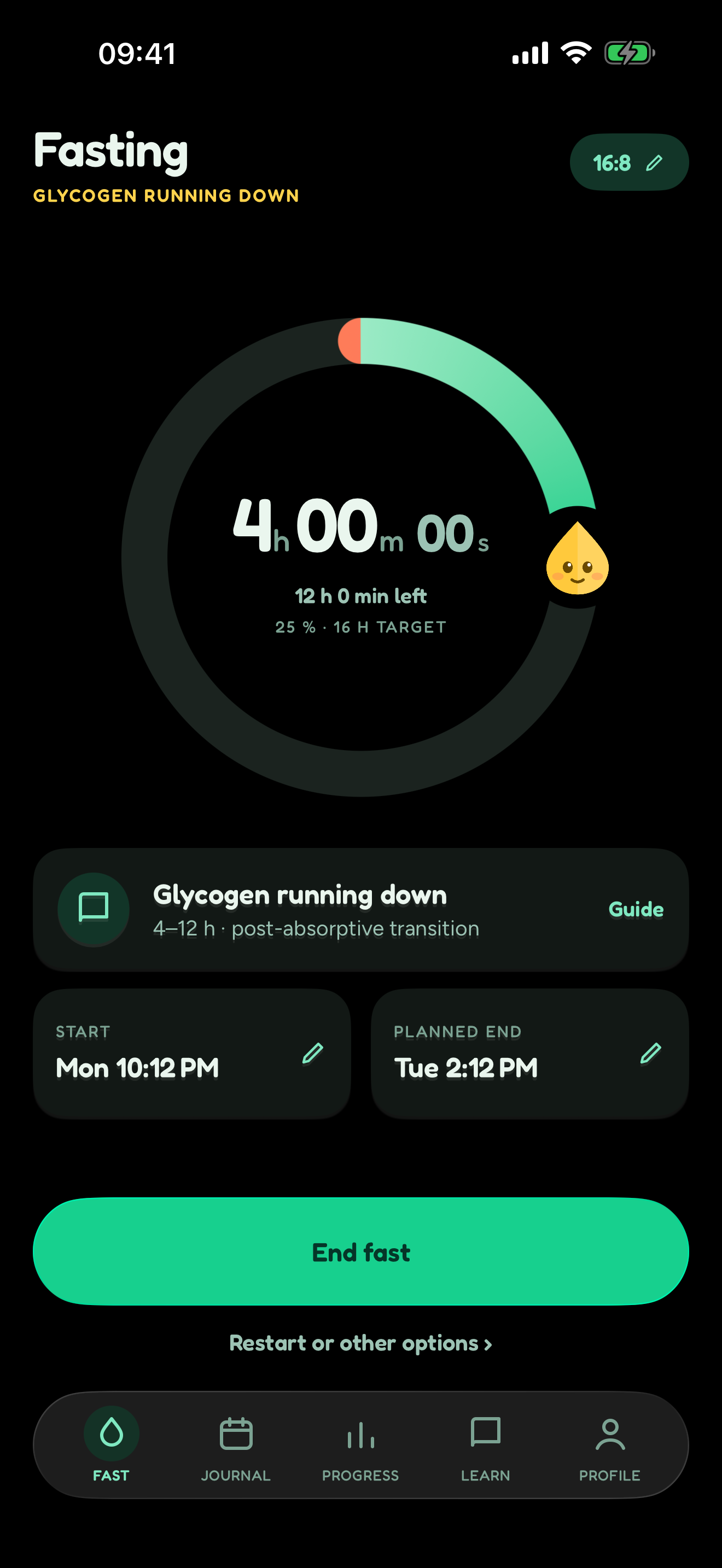
Real screenshots of the iOS app. Appearance may differ on Android.
Reaching the expected time does not change your state. Blimbi waits for you to decide.
Counts from your start and shows a reference time. Adjust the timing or finish earlier whenever you choose.

Counts from the end of your last fast. Your eating window stays separate from the goal for your next fast.
Blimbi Plus
Start free. When you want more detail, explore Plus inside the app.
Set custom rhythms for the whole week or for individual days.
On iOS, choose the period and sections for your PDF report.
Take a closer look at your fasts with deeper analysis and personalization.
| Feature | Free | Plus |
|---|---|---|
| Timer with editable start and end times | Included | Included |
| Basic journal and CSV export | Included | Included |
| Safety information and short reads | Included | Included |
| Configurable reminders | Included | Included |
| Widgets and Live Activities on iOS | Included | Included |
| Custom weekly and per-day rhythms | Not included | Included |
| A note from your professional, added by you | Not included | Included |
| An assisted draft you review before saving | Not included | Included |
| Deeper analysis and personalization | Not included | Included |
| On iOS: PDF reports with custom periods and sections | Not included | Included |
Start free on iOS or Android. You will find Plus inside the app.
Check your store's price and terms before buying. Plus does not include medical advice or a professional provided by Blimbi.
Available on the App Store and Google Play. Check device compatibility in each store.
Widgets, Live Activities, Shortcuts and Apple Watch.
Widgets and configurable notifications.
Light and dark appearance to fit your day. Plus adds more personalization options.
Your journal is end-to-end encrypted: Blimbi cannot read it. Installs from before version 2.4.0 can keep going without an account.
Your attention stays on your day, including in the free version.
Fasting is not suitable for everyone. If you are pregnant or breastfeeding, under 18, at risk of an eating disorder, have diabetes or an active illness, or take medication, consult a professional first. Never adjust medication because of an app.
Read the safety guidanceNo. You choose when to start and finish. The expected time is a reference; reaching it does not end your fast or start the next one.
They correct the times of your last recorded fast. The Eating counter runs from its end; editing those times does not start a new fast.
Custom weekly and per-day rhythms, a note from your professional that you add yourself, a reviewable assisted draft, deeper analysis, personalization and, on iOS, PDF reports with custom periods and sections. The timer, safety information, basic journal, reminders and CSV export stay free. The basic monthly report on iOS and PDF export from Your data on Android are also free.
Restore purchases in the app. Manage or cancel your subscription in the subscription settings of the store where you bought it. Prices and terms are shown before purchase.
Yes: Blimbi is on the App Store and Google Play, with widgets on iOS and Android. Live Activities, Shortcuts and Apple Watch are iOS features. Compatibility depends on your device and system.
No. They are a time-based educational guide, not a measurement of ketosis, autophagy, glucose or other processes. Blimbi is not a medical device and does not replace professional care.