Blimbi free
For your everyday rhythm
- Timer with editable start and end times
- Basic journal and CSV export
- Safety information and short reads
- Configurable reminders
- Widgets and Live Activities on iOS
 Free fasting app · iOS and Android
A fasting timer, your journal and short reads. Clear timing without rigid rules: you decide when to start and when to finish. Blimbi counts.
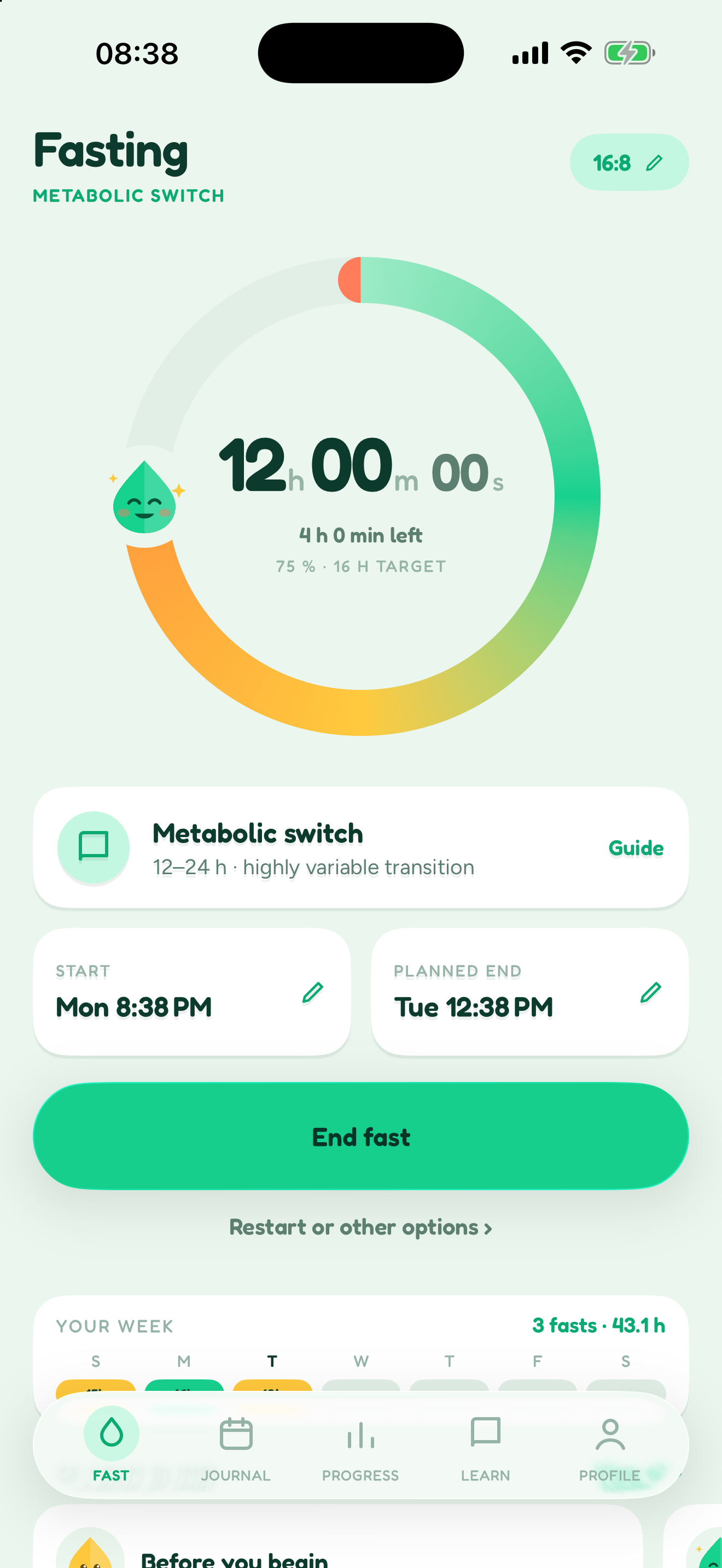

You start it. You end it.Reaching the expected time never ends a fast for you.
Inside the app
Two states, a journal that forgives, and guides that stay honest. No streaks to break, no guilt.
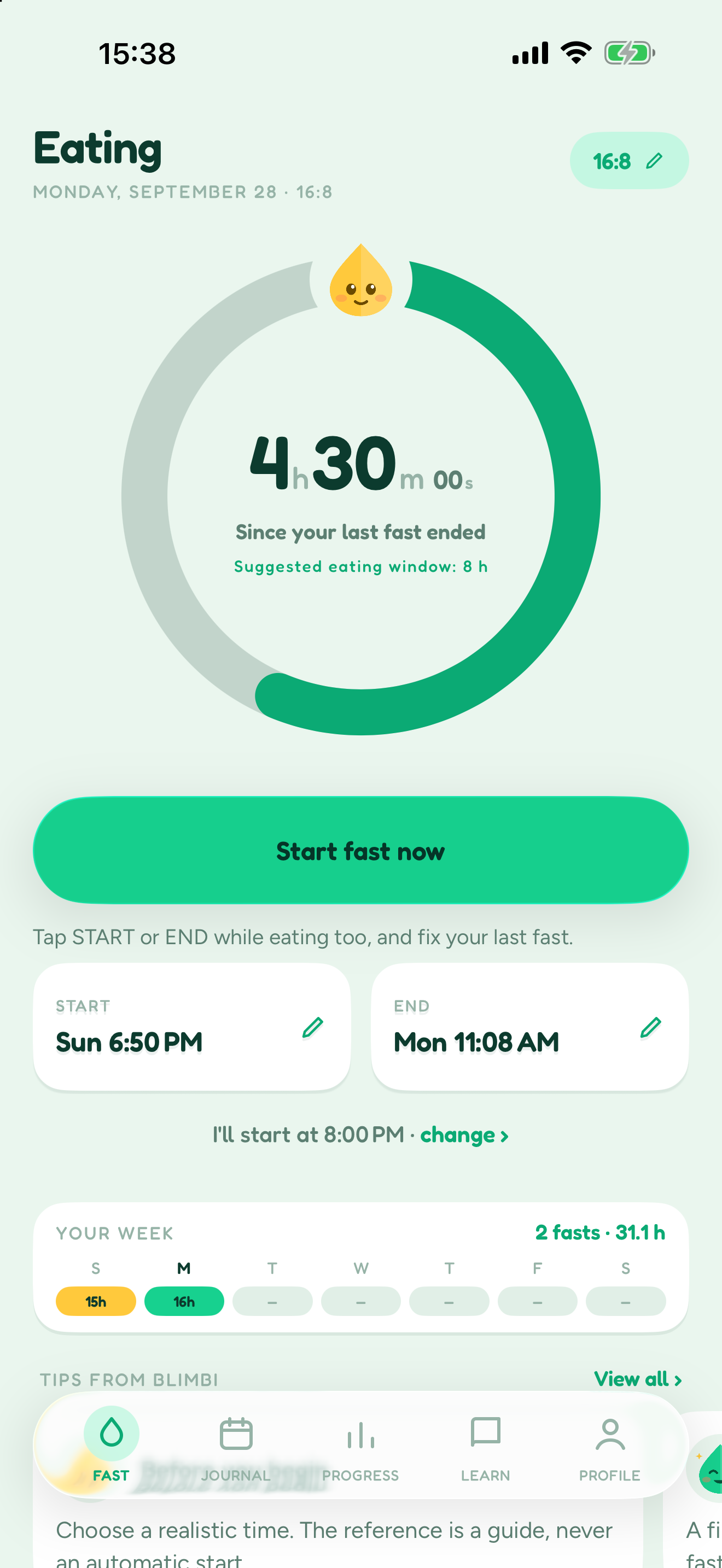
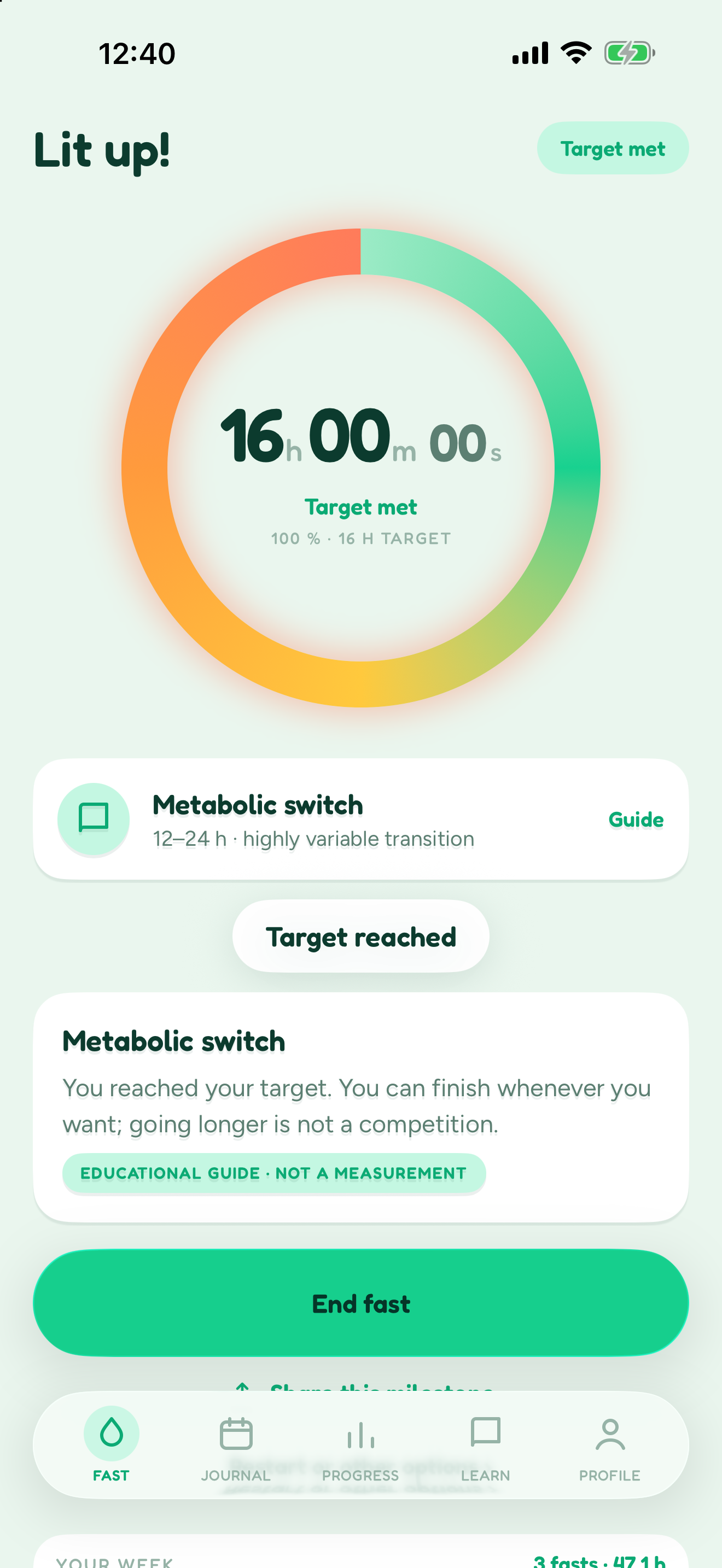
Fasting counts from your start. Eating counts from the end of your last fast. Reaching the expected time does not change your state.
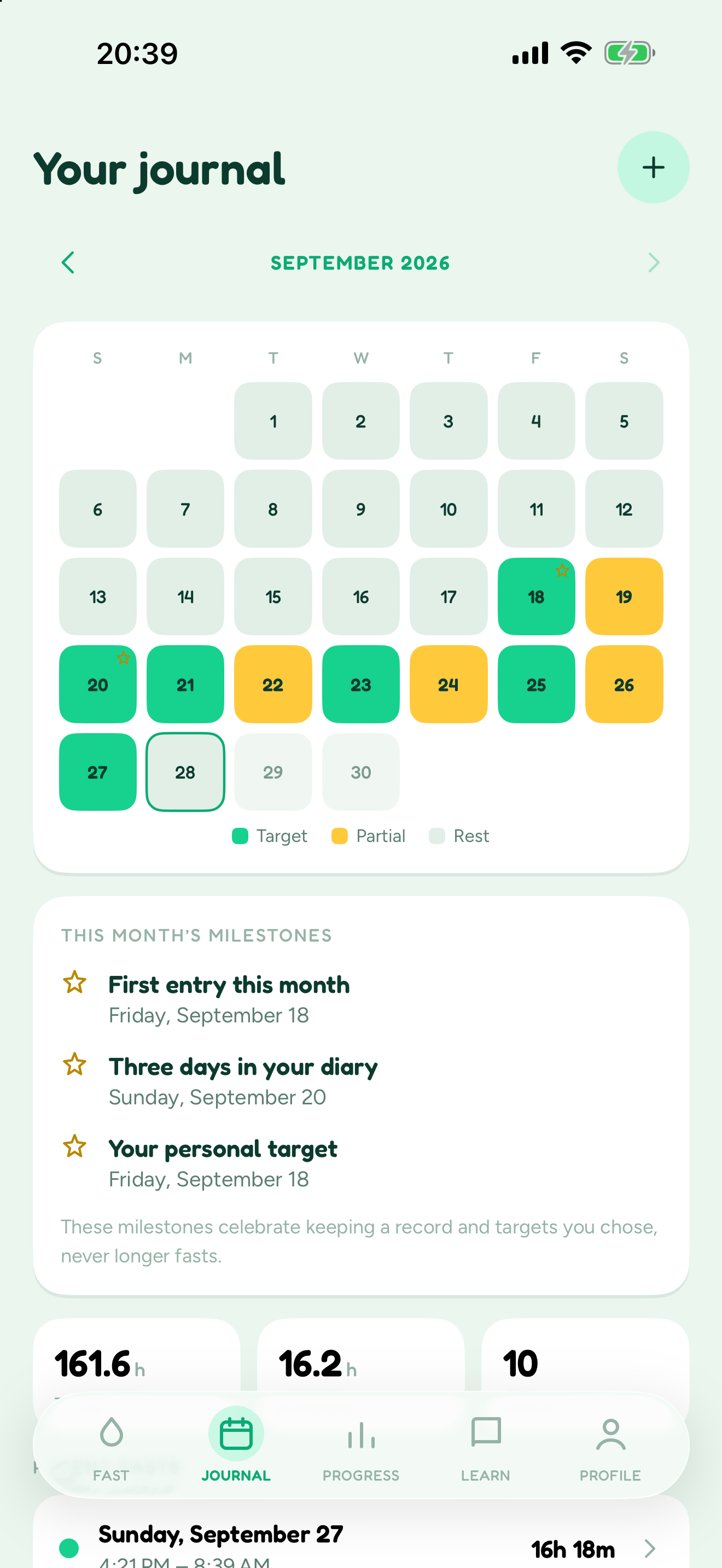
Every fast lands in your journal. Edit a time you forgot, review a partial day, export to CSV. Guilt-free.
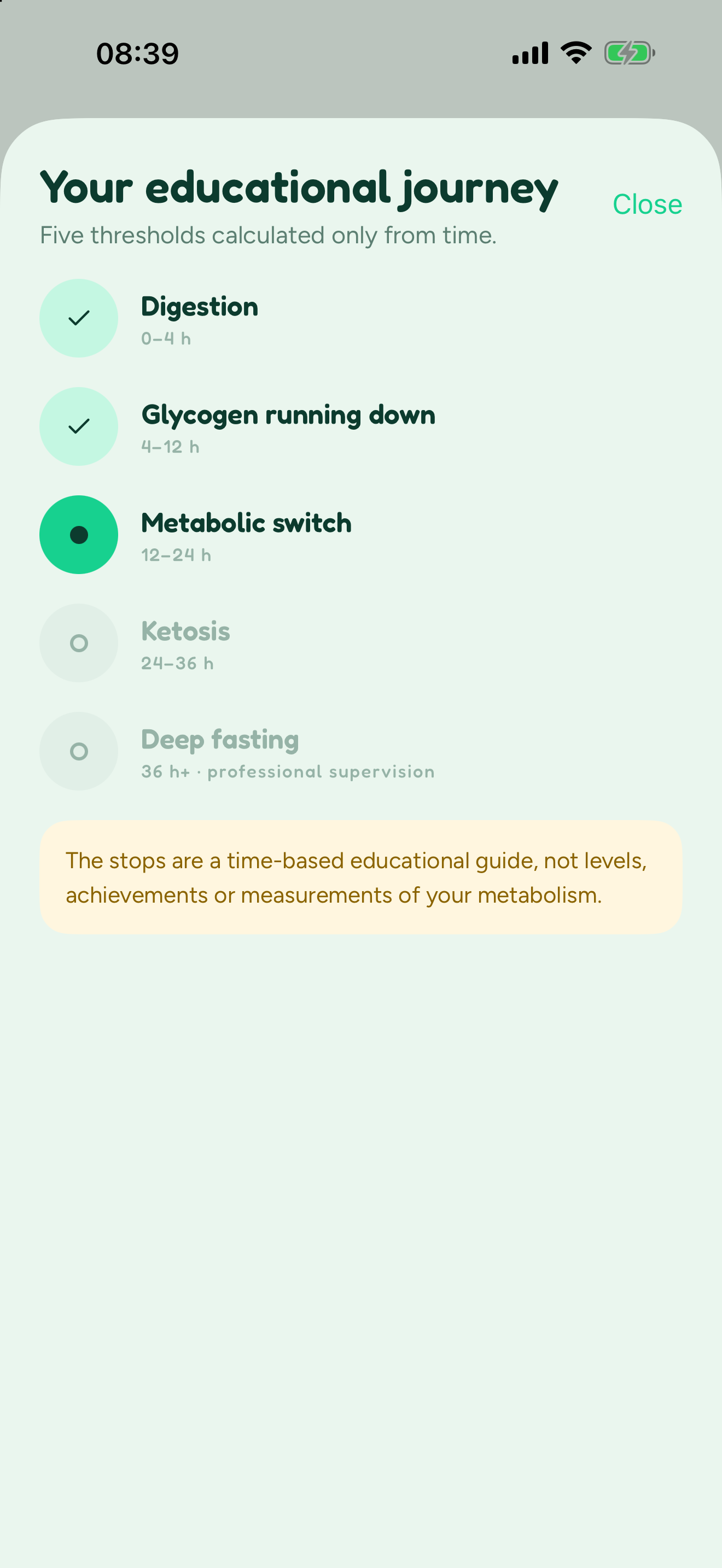
Short, time-based guides. Never a reading of ketosis, glucose or anything inside your body.
You reached your target. Going longer is not a competition.
Pick 12:12, 14:10, 16:8, 18:6 or 20:4. Change it at any time.
Compare fasting schedules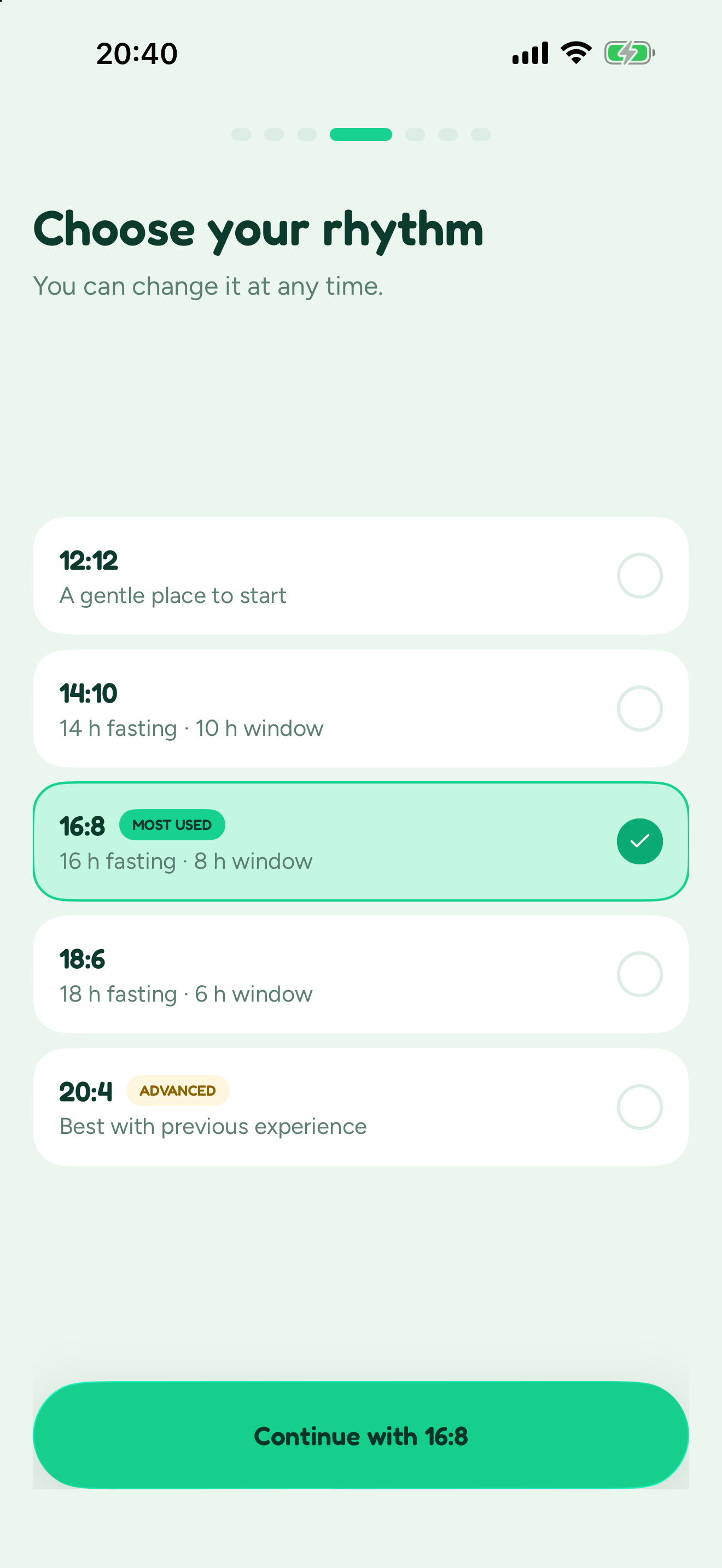
Widgets on iOS and Android. On iPhone, also Live Activities, Shortcuts and Apple Watch.
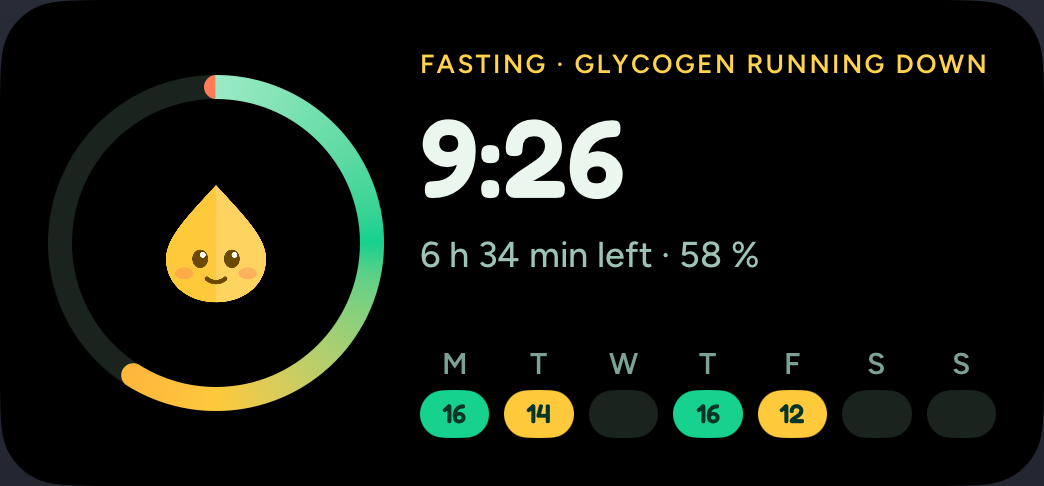
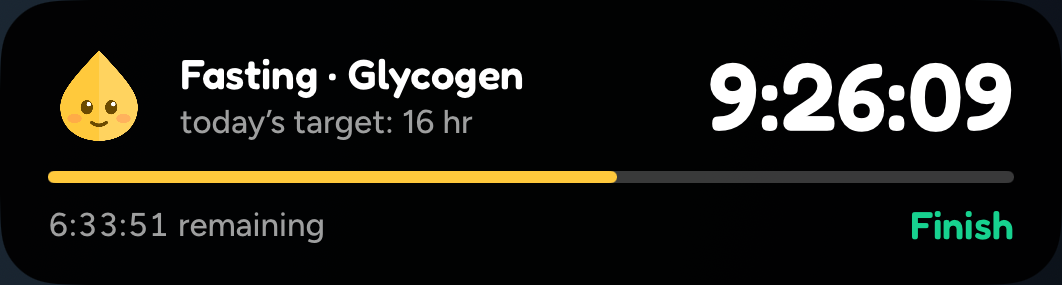
Swipe for six real screens
Real screenshots of the iOS app. Appearance may differ on Android.
Free and Plus
Start with what you need today. Add more detail if it helps.
For your everyday rhythm
For a closer look
Check your store's price and terms before buying. Plus does not include medical advice or a professional provided by Blimbi.
Learn and plan
Short guides reviewed against their sources, and free tools that run in your browser. Nothing saved or sent.
 What is intermittent fasting?The basics · 5 minIntermittent fasting schedules compared12:12 to 20:4 and 5:2 · 5 min
 16:8 intermittent fasting: how to startSchedules · 4 min
 What breaks a fast?During a fast · 6 min
 What can you drink while fasting?During a fast · 6 minHow to start: a gentle first weekGetting started · 4 min
FAQ
Still curious? Contact support
Yes. The timer, safety information, basic journal, reminders and CSV export are free, with no ads. Blimbi Plus is optional; check your store's price and terms before buying.
Yes, on new installs: you sign in with Apple or Google, and your journal is end-to-end encrypted so Blimbi cannot read it. If you installed Blimbi before version 2.4.0, you can keep using it without an account.
No. You choose when to start and finish. The expected time is a reference; reaching it does not end your fast or start the next one.
Yes: Blimbi is on the App Store and Google Play, with widgets on iOS and Android. Live Activities, Shortcuts and Apple Watch are iOS features. Compatibility depends on your device and system.
Custom weekly and per-day rhythms, a note from your professional that you add yourself, a reviewable assisted draft, deeper analysis, personalization and, on iOS, PDF reports with custom periods and sections. The timer, safety information, basic journal, reminders and CSV export stay free.
No. They are a time-based educational guide, not a measurement of ketosis, autophagy, glucose or other processes. Blimbi is not a medical device and does not replace professional care.
You decide. Blimbi counts. Free on iPhone and Android.